Sound cards
16 productsAudio interfaces from PreSonus, Focusrite, Yamaha and Soundcraft for recording, producing and livestreaming at home or in the studio.
16 products
Products
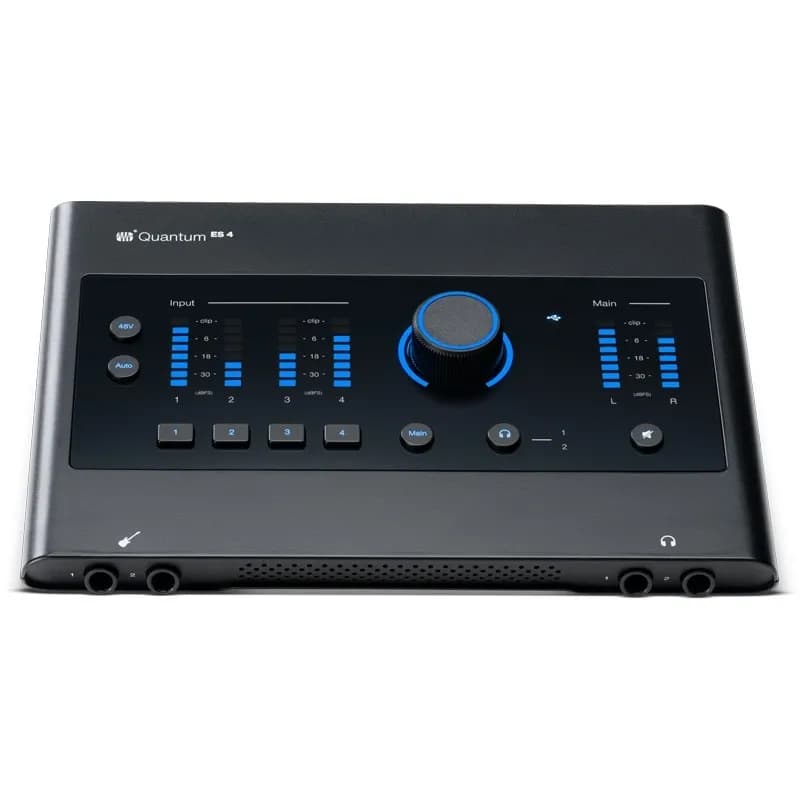
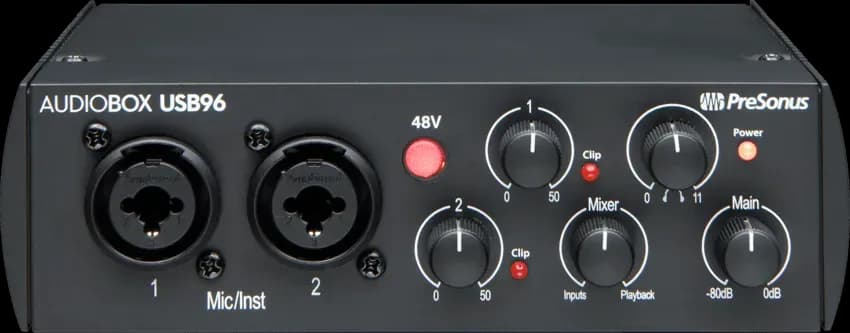
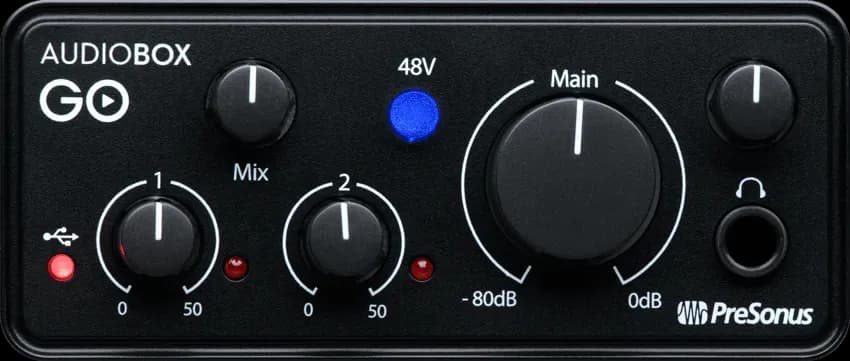
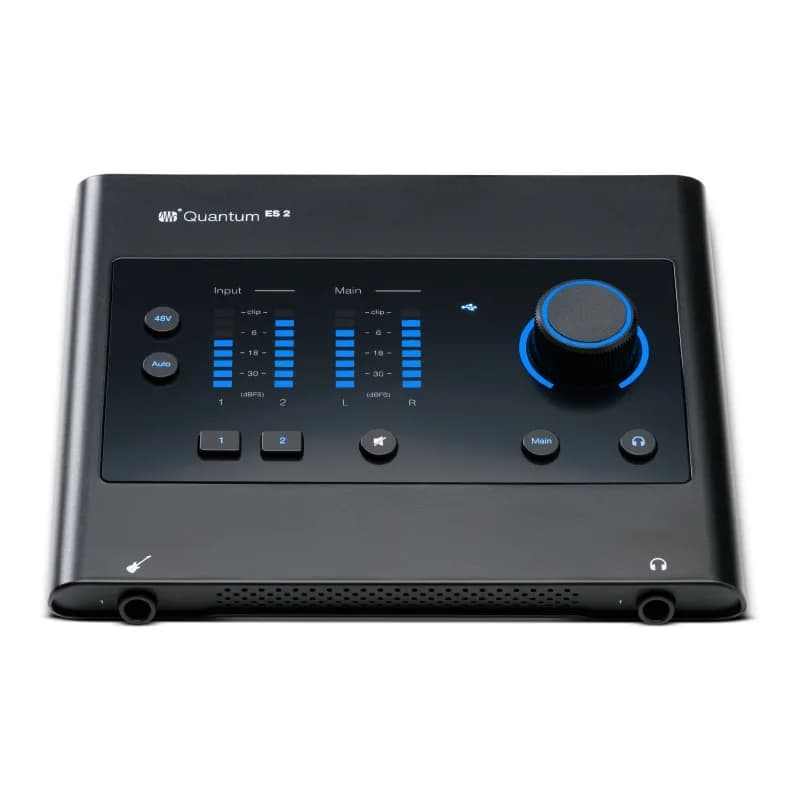
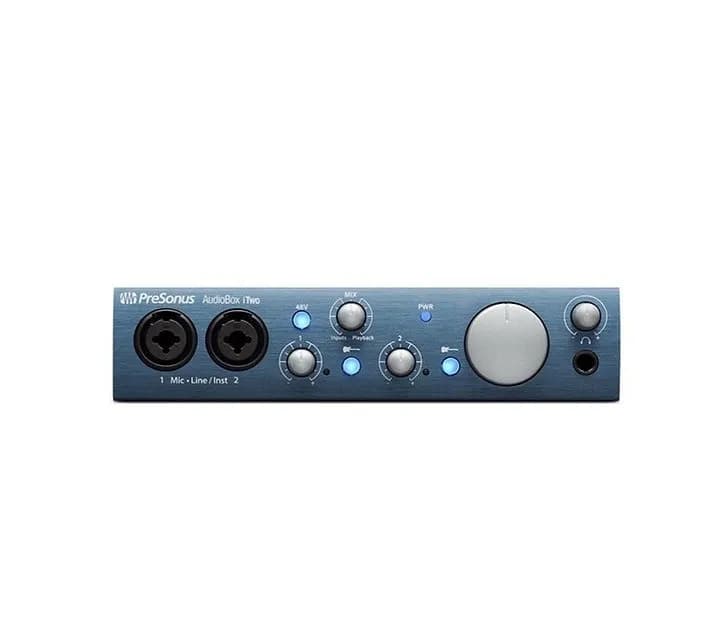
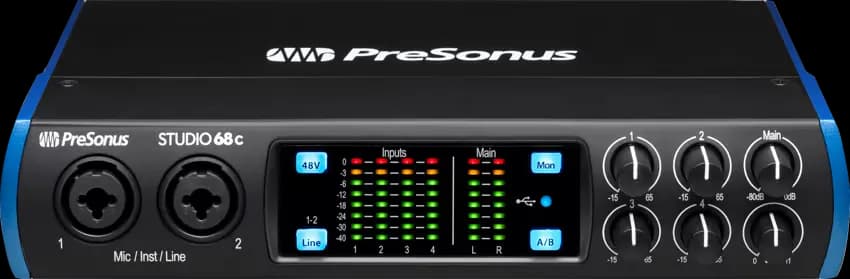

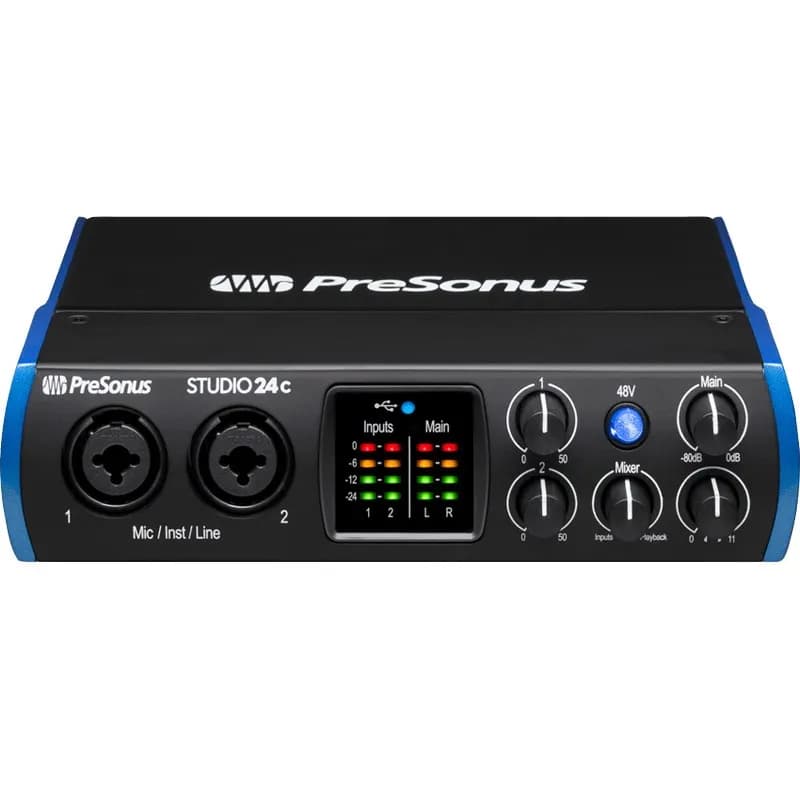
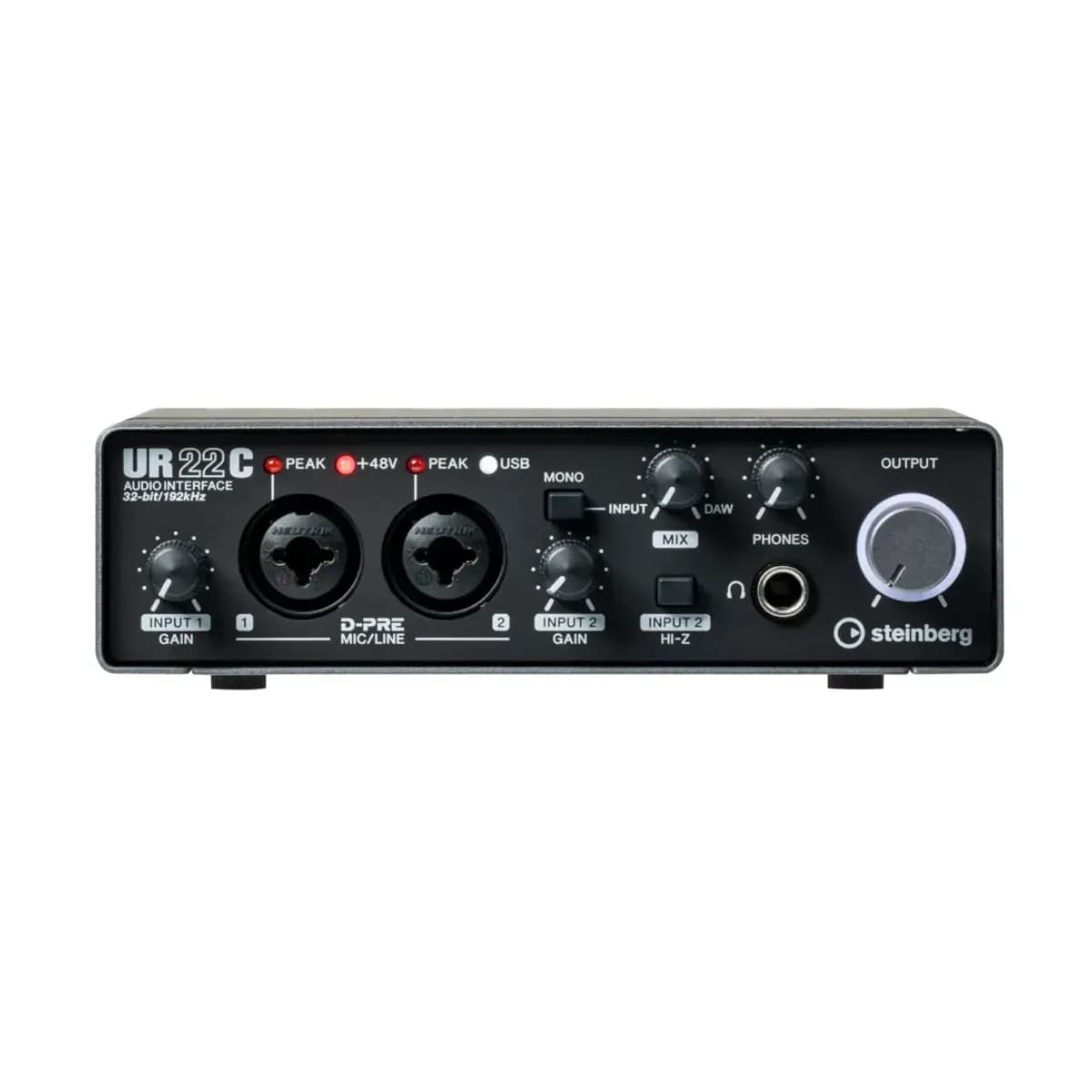
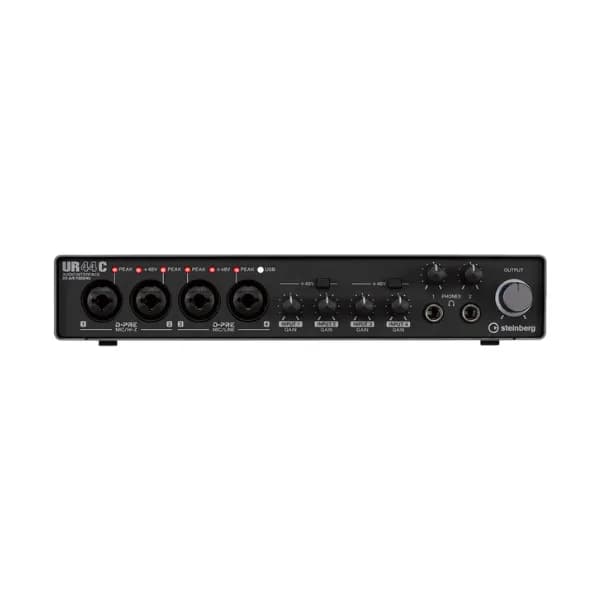
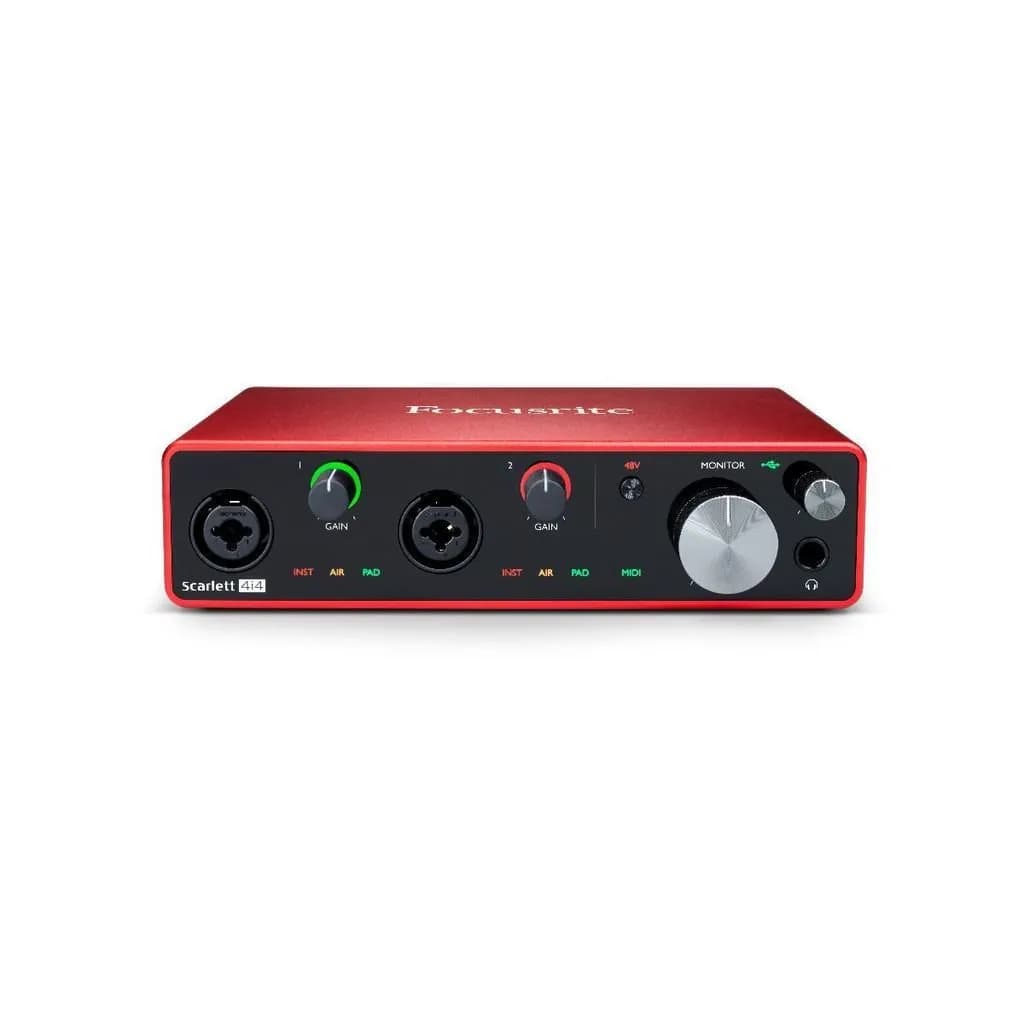
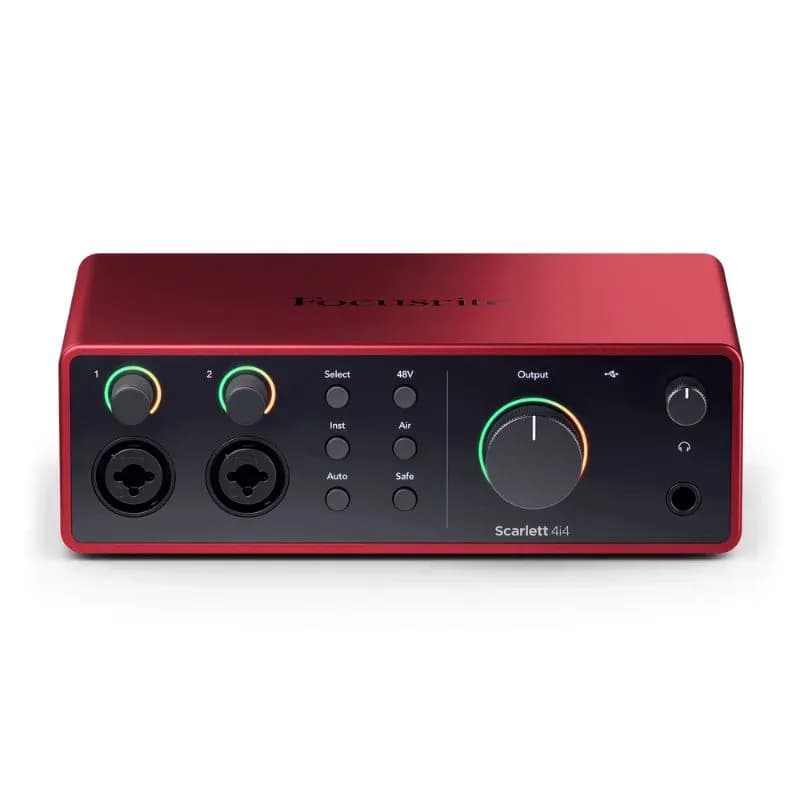
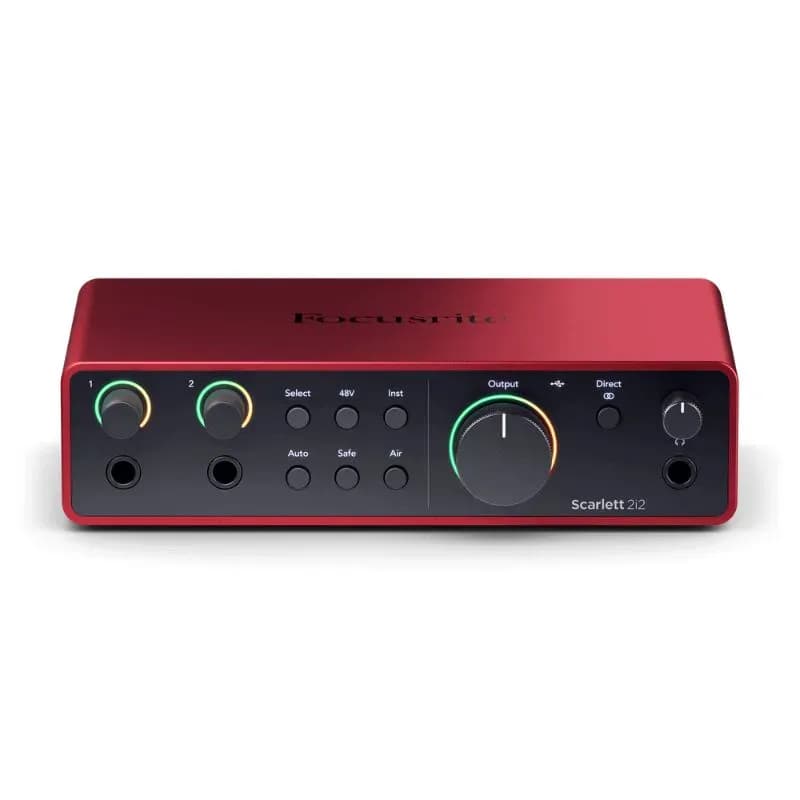
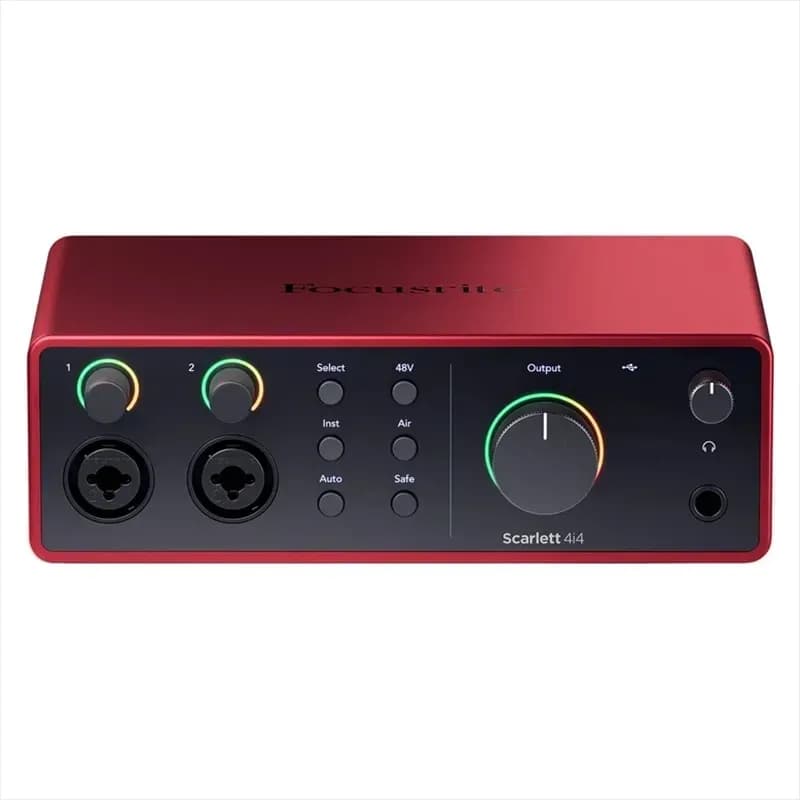
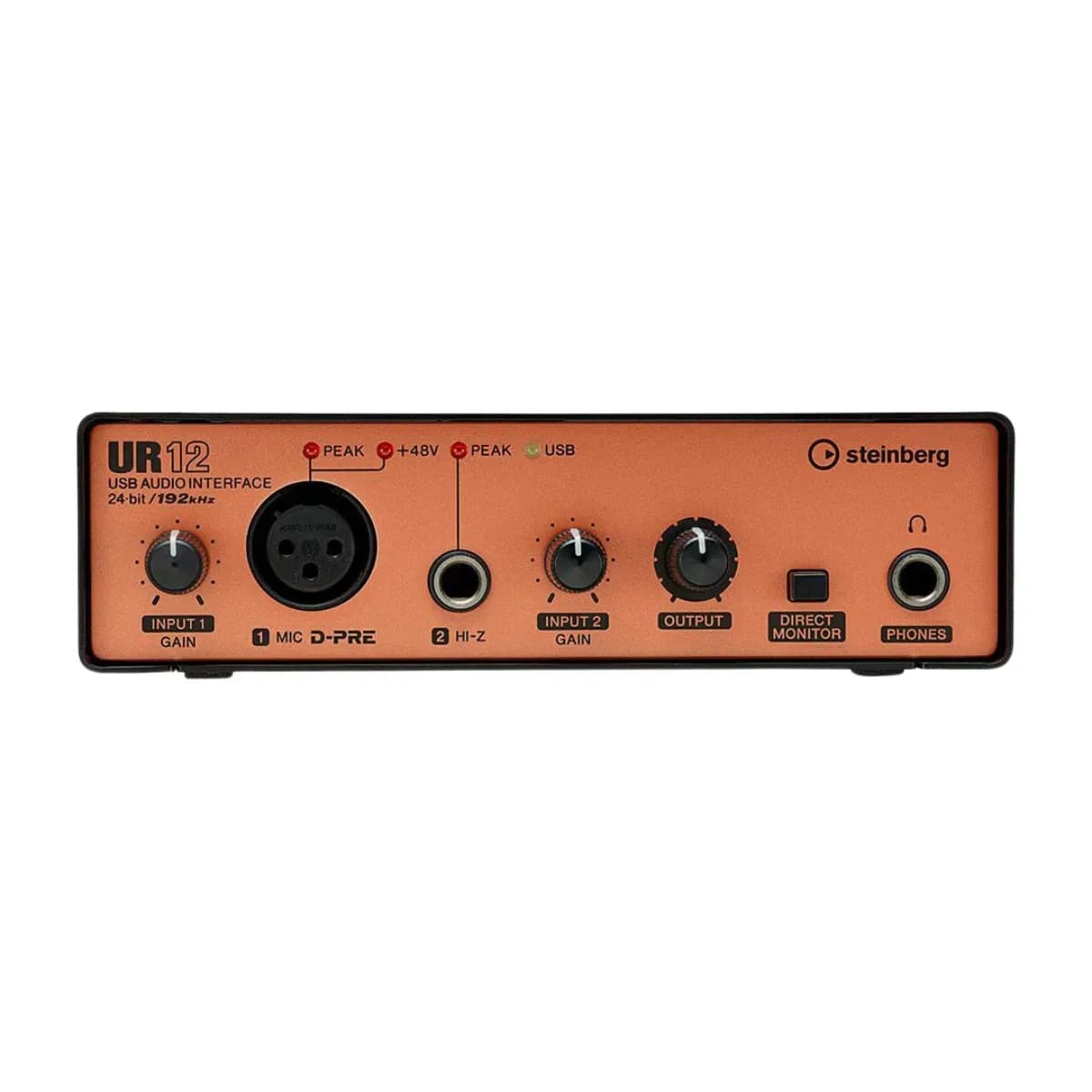
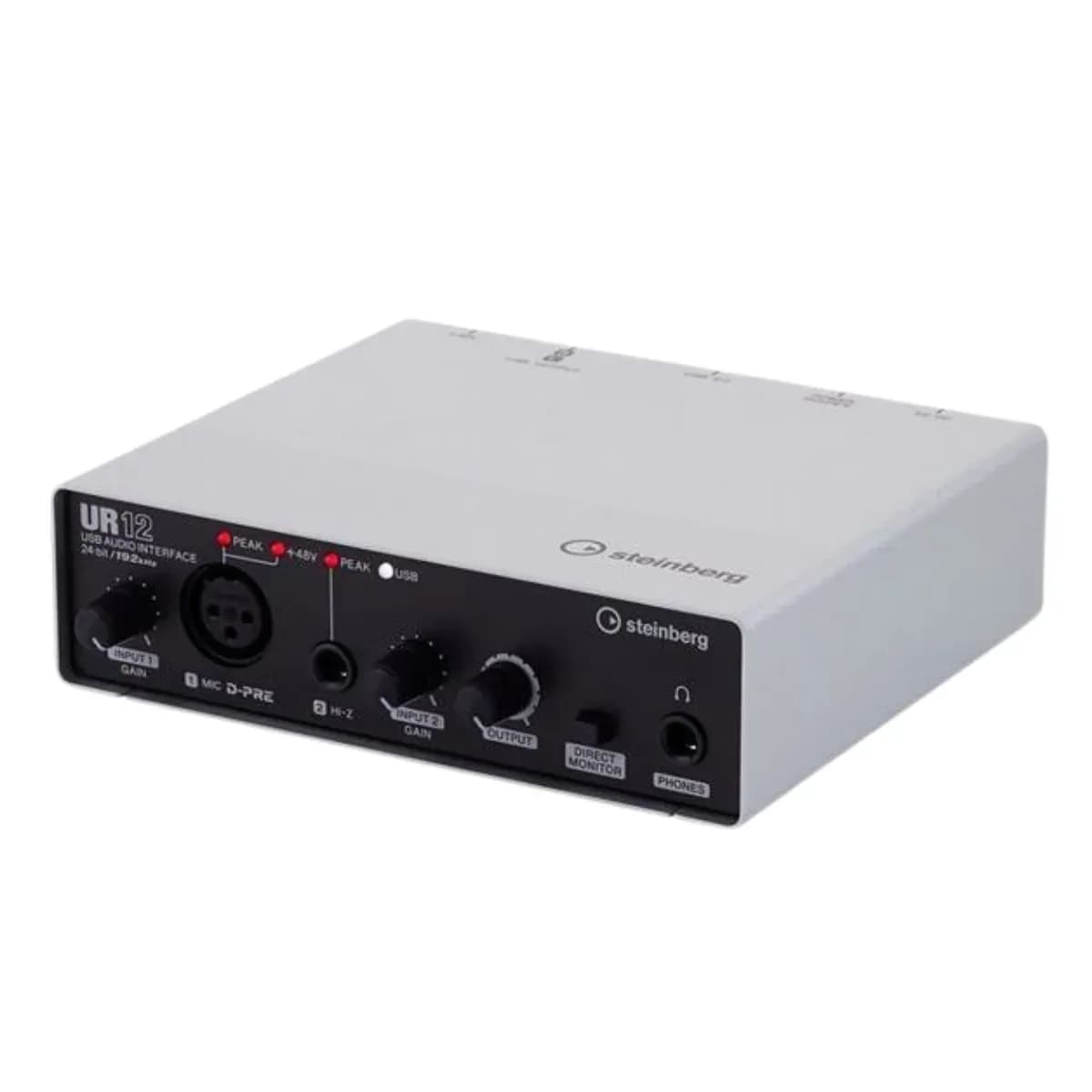
A sound card — an audio interface — connects microphones, instruments and studio monitors to your computer with far better sound than its built-in audio. You need one to record vocals or guitar, to produce music and to livestream with clean sound. You do not need one just to DJ: controllers such as the DDJ-FLX4 have an audio interface built in.
How to choose:
- Inputs: count what you will record at the same time. The Focusrite Scarlett Solo and PreSonus AudioBox GO suit one voice or one instrument; two-input models such as the Scarlett 2i2 and Steinberg UR22C record a singer with a guitar; the Scarlett 4i4, Steinberg UR44 and PreSonus Studio 68c add more inputs and outputs.
- Phantom power: condenser microphones need +48 V phantom power from the interface.
- Outputs: a pair for your monitors and a headphone output with its own volume knob.
- Livestreaming: loopback sends your computer's sound together with your microphone into the stream; the 4th-generation Scarlett models and the Steinberg UR22C have it.
- Connection: check that the interface's USB port matches your computer.
Pair the interface with studio monitors and a microphone. Want to learn production in a real studio? Our music production course is taught on Ableton Live in the school's studio.
From our blog
Guides and articles on this topic

DJ controllers for beginners: which type to buy and what it costs (2026)
Controller, all-in-one or CDJ? How to choose your first DJ setup at every budget, with today's prices in the Muse Inc store, what else you need to buy and why it pays to take a trial lesson before you spend.
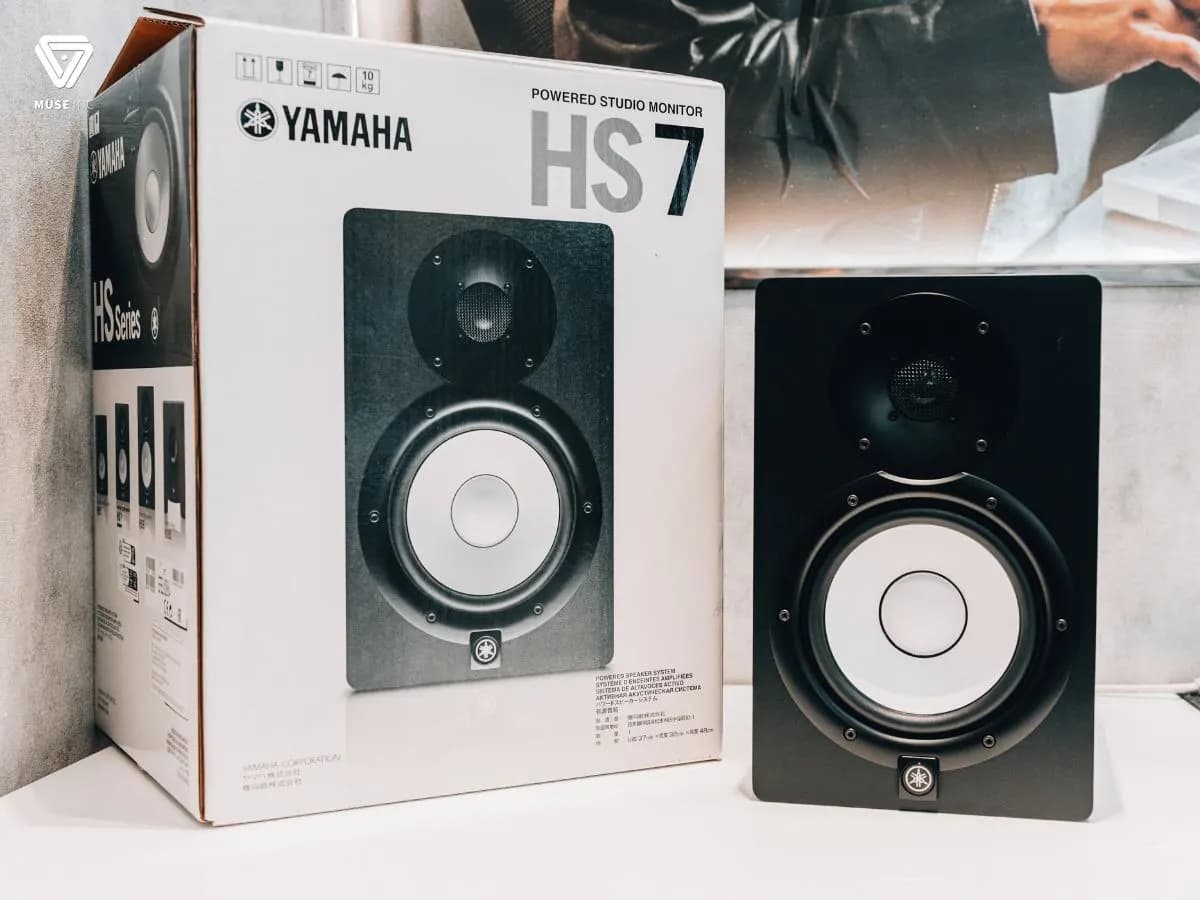
Legendary Studio Monitors Every DJ Should Try
Studio monitors are a hugely important piece of audio gear for DJs. In this post, Muse Inc introduces a few studio monitors every DJ should try at least once…
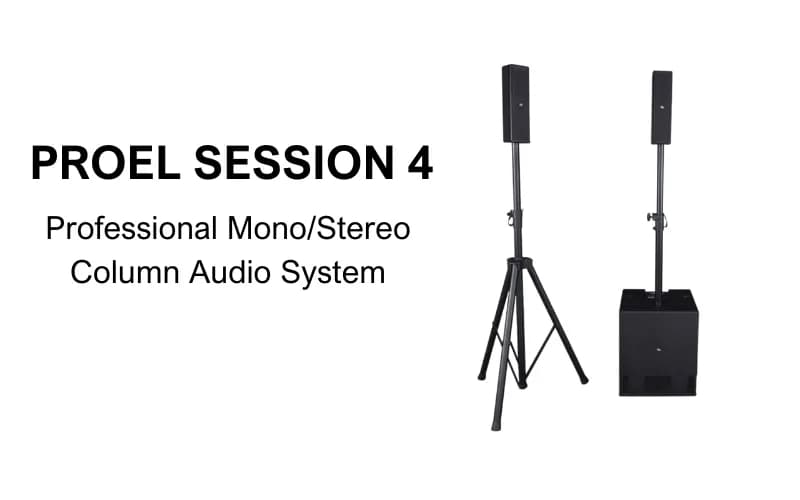
PROEL SESSION 4: Professional Mono/Stereo Column Audio System
The PROEL SESSION 4 is a compact portable array system with two tops and a subwoofer – perfect for solo performers, small bands, and family or corporate events, with handy Bluetooth connectivity…