Mixing vs mastering: what they are and how they differ
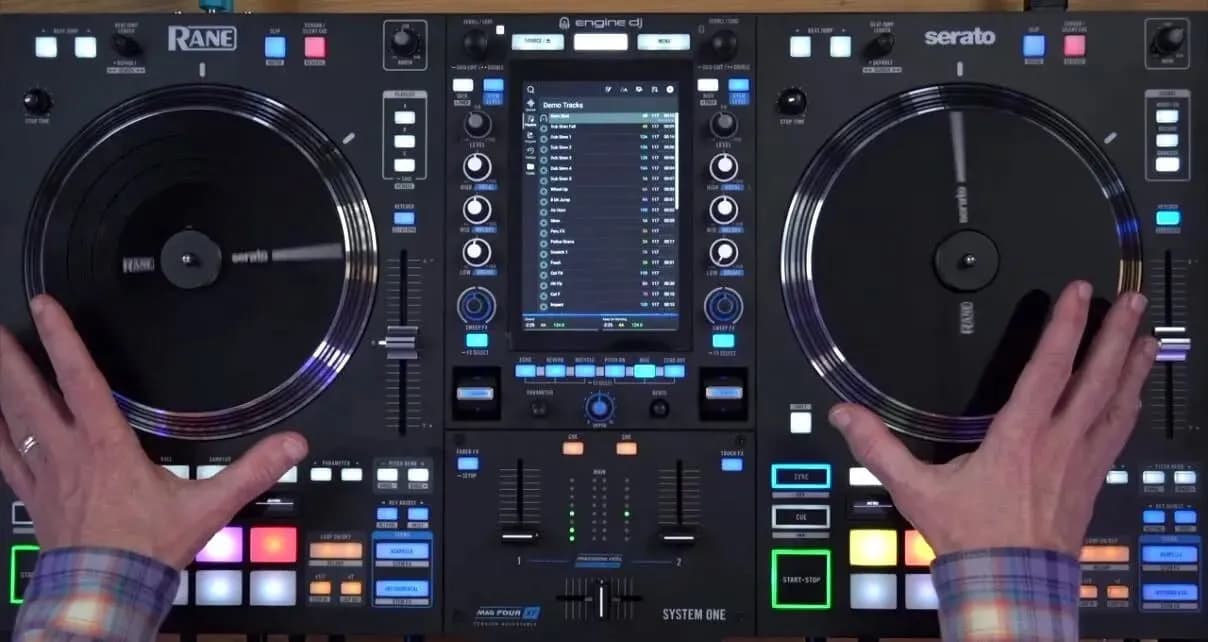
Mixing and mastering are the last two stages of making a record. Mixing balances and shapes every individual track (drums, bass, vocals, synths) so they blend into one stereo file; mastering finishes that stereo file so it is ready to release on Spotify, YouTube or play in a club. One thing to clear up first: this is not DJ mixing, where you blend finished songs together on decks. If that is what you are after, read our guide to learning to mix as a DJ.
This guide is for producers, singers and bands in Ho Chi Minh City (Saigon) who already have a few songs and feel something is missing: the track sounds muddy, small or harsh, or simply quieter than everything else in the playlist.
What mixing is
In a DAW (music software such as Ableton Live or FL Studio; see what a DAW is), every instrument sits on its own track. Mixing makes all of those tracks fit together in one song: each part is clear, there is depth, and nothing fights for the same space.
What a mix engineer actually does
- Sets levels: a healthy signal level on every track (gain staging), then the fader balance.
- Pans: places each sound left, right or centre so the song has width.
- EQs: cuts the frequencies a part does not need so instruments stop masking each other, the classic case being kick and bass sharing the low end.
- Compresses: controls the dynamics of a track so it sits steadily and hits harder.
- Adds space: reverb and delay for depth and distance.
- Automates: changes settings over time, for example lifting the vocal in the chorus.
The result of mixing is a stereo file called the mixdown. It sounds like a finished song, but it is not yet the release.
What mastering is
Mastering takes the mixdown and adds the final polish: gentle EQ for the overall tonal balance, light compression across the whole song, a limiter to reach the target loudness without distortion, checks on several playback systems, and exports in the right format for each platform. On an EP or album, mastering also makes the songs consistent with each other in level and tone.
One rule to remember: mastering cannot rescue a bad mix. If the vocal is buried or the bass is boomy, go back to the mix. Turning up the limiter will not fix it.
Mixing vs mastering at a glance
- Works on: mixing handles many separate tracks; mastering handles one stereo file.
- Goal: mixing makes the parts blend and stay clear; mastering makes the final version sound right everywhere and ready to release.
- Size of changes: mixing makes large moves (balancing, cutting, adding effects); mastering makes small, precise ones, often a few dB.
- Main tools: mixing uses faders, pan, EQ, compressors, reverb, delay and automation; mastering uses EQ, bus compression, a limiter and a loudness meter.
- Order: mixing comes first, mastering last.
- The question it answers: mixing asks "Is the vocal clear? Are kick and bass fighting?"; mastering asks "Is the song balanced and as loud as others in its genre?"
Put simply: mixing arranges the furniture in a room; mastering sets the lighting before the photo is taken.
The main tools: EQ, compression, limiting and loudness
EQ (equalisation)
An EQ boosts or cuts frequency ranges. In mixing it is mostly a cutting tool: removing the unnecessary low end from a vocal, thinning out a muddy guitar so the voice comes through. In mastering it only nudges the overall balance.
Compression
A compressor narrows the gap between loud and quiet, making a sound steadier and punchier. Overdo it and the song goes flat and lifeless. It is the tool beginners misuse most, because its effect is hard to hear until your ears are trained.
Limiting
A limiter is an extreme compressor at the end of the mastering chain. It stops the signal from going over a ceiling and lets you raise the overall loudness of the song.
Loudness and LUFS
Loudness is how loud a song feels to the ear, measured in LUFS. Streaming services even out the volume of the songs they play: according to Spotify's own documentation, Spotify adjusts tracks to -14 LUFS by default. So a master pushed as loud as possible does not play louder on Spotify. It just loses dynamics and risks distortion. Every platform handles this in its own way, which is why mastering for each platform is a skill of its own.
From rough song to release: a workflow
- Clean up the project: name and colour tracks, delete what you do not use, make sure no track clips.
- Rough balance with faders and pan only. Many songs already sound decent at this stage.
- EQ and compression by group: drum bus, bass, leads, vocals.
- Space (reverb, delay) and automation.
- Compare with a reference track in the same genre, matched in level.
- Export the mixdown, leaving headroom for mastering.
- Master, measure loudness, then listen on headphones, studio monitors and a phone.
- Export the final files for each release platform.
A practical tip: rest your ears for a few hours, ideally overnight, between steps 6 and 7. Tired ears make you overdo everything.
Learning on your own or taking a course
What self-study can and cannot do
There is plenty of free material on mixing, and you can certainly learn what an EQ or a compressor does on your own. The hard part is elsewhere: untrained ears do not hear the problems; an untreated room and consumer speakers lie to you (see 5 tips for a proper home studio and high-end studio monitors); and nobody points at the mistakes in your own songs. Many self-taught producers repeat the same mistake for years simply because nobody listens with them.
The Mixing & Mastering course at Muse Inc
Our Mixing & Mastering course is 10 one-to-one sessions at the school's studio, taught on Ableton Live with the school's studio monitors and audio interface, on a standard schedule of two sessions a week:
- Mixing, 7 sessions: introduction to mixing and mastering, EQ in depth, compression, mixing a complete drum bus, bass, leads, space and automation, in-depth vocal mixing, the mix bus and exporting.
- Mastering, 3 sessions: mastering basics, mastering practice and the final export, mastering for each platform.
Students receive the Muse Inc Loudness Meter plugin. The course suits producers who want a more professional sound, singers and bands who record themselves, and DJs who make their own edits. You should already be able to make a simple track; if you cannot yet, start with Basic Music Production (9 sessions). For the whole journey from writing to a finished master, the Music Production Training Program (39 sessions) also covers mixing and mastering in its modules.
The Mixing & Mastering fee is quoted on request and can be paid in two or three instalments. A free trial lesson comes first, so a teacher can hear your music and suggest the right course.
Frequently asked questions
No. Mixing and mastering happen in the studio: you process the tracks of one song so it can be released. DJ mixing happens live: you blend finished songs together with beatmatching, EQ and effects on DJ equipment. The two share a few ideas, such as EQ, but their goals are completely different.
The Mixing & Mastering course at Muse Inc has 10 sessions on a standard schedule of two a week, so about five weeks. By the end you know the workflow and the tools; your ears keep improving with every song you mix afterwards, so plan to mix a lot once the course is over.
Nothing for the lessons themselves: sessions use the studio's computer, Ableton Live and monitors. To practise at home you need a laptop with Ableton Live (the free trial is enough to begin) and a pair of studio headphones. Most important of all, bring a few songs of your own to work on.
You can, as long as you know what you are doing and rest your ears between mixing and mastering. Plenty of producers master their own music. For an important release, many still ask for a second pair of ears, because whoever mixed a song is often too used to it to hear its problems.
Yes, especially if your room at home is not acoustically treated. Studio headphones show a lot of detail but make it easy to misjudge stereo width and bass, so always check the mix on monitors, ordinary speakers and a phone before you export the final file.
Want a teacher to listen to your own track? Book a free trial lesson, or message us on Zalo or WhatsApp at +84 90 2957 911.