7 Things Every DJ Should Keep on Their USB Stick
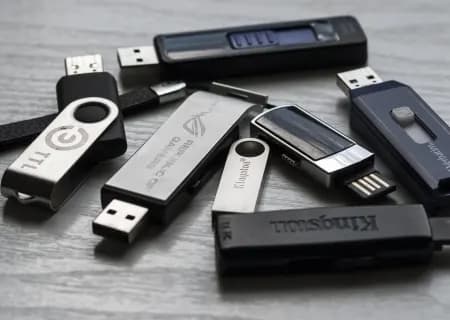
As a DJ, you know the little USB stick that carries your whole arsenal. But beyond exporting dozens of tracks and playlists, is there anything else you should prepare so you're ready for any gig, whatever happens? Find out below!
1. Organise folders and playlists
There's no way to know exactly what your next gig will be like, what genres you'll need to play or what the client will ask for… So don't forget to split your music into folders of tracks with the same vibe and style in your rekordbox library, and name them. That way you'll have lots of common situations covered and be ready for whatever comes your way. And don't forget to export them to your USB!
This not only lets you react quickly to any situation, it also means you can plug your USB into almost any digital DJ setup and quickly find the right music by opening the matching folder. Virtual DJ, Serato Pro, Traktor Pro, XDJ-RX or any CDJ: it makes no difference.
2. Keep the latest firmware for common DJ gear
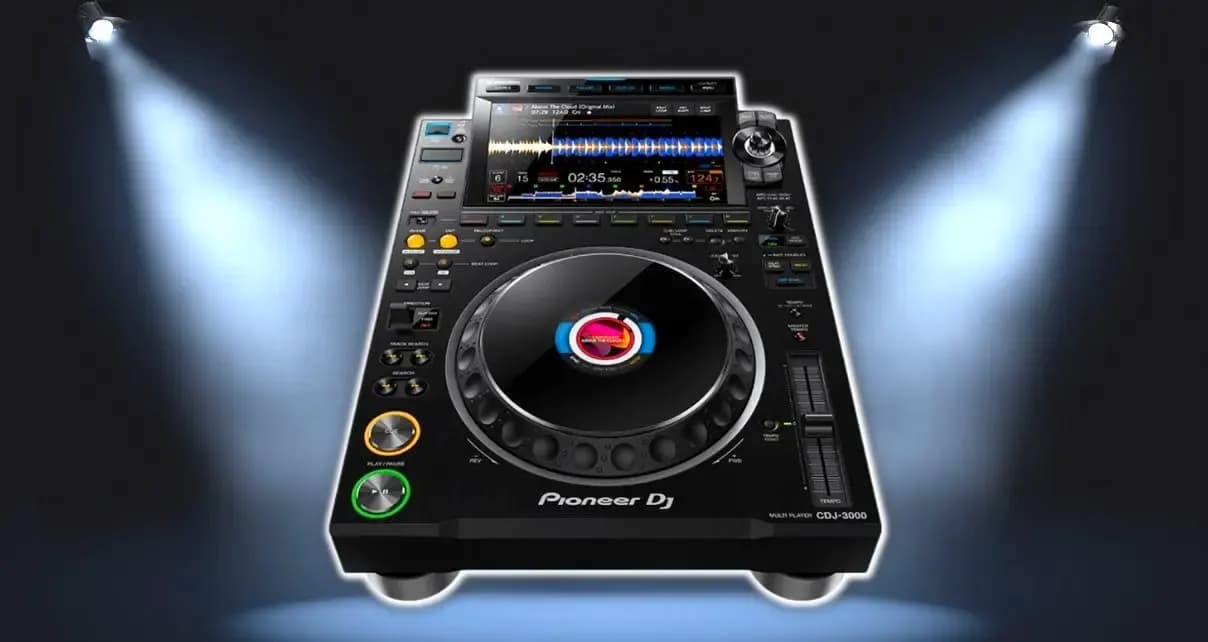
Familiar DJ gear doesn't always work the way you expect. One thing you really should keep on your USB is a folder with the latest firmware versions for the DJ equipment you use most. Our advice is to store the firmware for Pioneer DJ gear, especially the CDJ-2000NXS, CDJ-2000NXS2, XDJ-RX and XDJ-RX2, which have become standard at almost every gig.
3. A text file with your contact details
There's no need to explain why: it has happened far too often in real life, and you may have been one of the "victims" yourself. After parties and events, this is a common sight next to the DJ booth:
Usually the first thing you do is ask all your friends and colleagues about your USB. If you're lucky you'll get your "lucky charm" back, but that doesn't happen often.
Add a simple text file to the root folder of your USB, and the next time someone plugs it into their computer, they'll know who it belongs to.
4. Decorate it so you don't mix it up
A pretty common problem is remembering which USB is yours when there are several others of the same make and model.
It would be really bad to pull out the wrong USB after your set and, in one awkward moment, have every eye in the room on you. You don't need to decorate your USB in any elaborate way.
It just needs a few marks that set it apart from the other USB sticks plugged into the DJ gear.
Glow-in-the-dark stickers are a good choice, since you usually work in dimly lit places, and they make it easy to spot where your USB is. A lanyard is another popular option with many DJs, and it turns the USB into a real piece of jewellery.
5. Export your own CDJ / XDJ settings
Stepping up and plugging your USB into the CDJ / XDJ setup is something every DJ has to do, but what happens when the gear is running on completely unfamiliar settings? The best way to avoid this is to export your settings from rekordbox (pay attention to Master Tempo, CDJ/Vinyl Mode and Grid) to every USB stick. See the guide below:
6. Store a few pre-mixed sets
This isn't about performing with pre-mixed sets (premixes). Every now and then you'll hit a problem before your set that you could never have foreseen. What you need then is a pre-mixed set, so you can "troubleshoot" while the crowd keeps enjoying the music you bring.
Note: label these sets in a way you'll understand and remember. You don't want to look like a real clown by dropping high-energy bangers at a chilled-out gig such as a Deep House night!
7. A copy of your DJ software
If you're used to digital DJ software like Traktor or Serato, save a copy of its installer on your USB. That lets you install the program on any computer.
If your computer crashes, breaks down or even gets lost, you can still play. You should also keep a folder with your serial number, mapping files or any settings backups you want, rather than setting everything up from scratch.
Source: Loop Central / DJ Tech Tools
Want to practise this with a teacher? The beginner DJ course (Level 1) takes you from the gear to your first set in three weeks, on the school's CDJs and controllers.