NewMini course · For DJs
Mashup & DJ Edit Course your own versions for your sets
5 classes to make the tools that set you apart: prepare and match tracks, build professional mashups, create performance edits and fold them into your DJ workflow. Bonus: 50 transition effects.
01Who it is for
Who this course is for
Working DJs
You want exclusive versions nobody else plays.
DJ students
You finished a DJ course and want your own edits for your sets.
Content creators
Short mashups for social media.
02Outcomes
What you will be able to do
By the end of the course, on your own tracks.
- 01Prepare tracks: key, tempo and structure
- 02Build clean, professional mashups
- 03Create intro, outro and performance edits
- 04Export DJ-ready files into your library
03Programme
5 classes
A short course with one result: your own edits, ready to play.
- 01Introduction to Mashups & DJ Edits
- 02Track Preparation & Compatibility
- 03Building Professional Mashups
- 04Creating DJ Performance Edits
- 05Finalization & DJ Workflow
04Bonus
What comes with the course
50 transition effects
A pack of 50 transition effects for DJ edits and mashups.
05How lessons work
How classes work
In the studio
5 classes with a teacher on Ableton Live — one to one, at your pace.
Practice between classes
Every class ends with an exercise for your own project, checked at the next class.
Your own tracks
You leave with your own exported tracks and the files to keep working on them.
06Studio & software
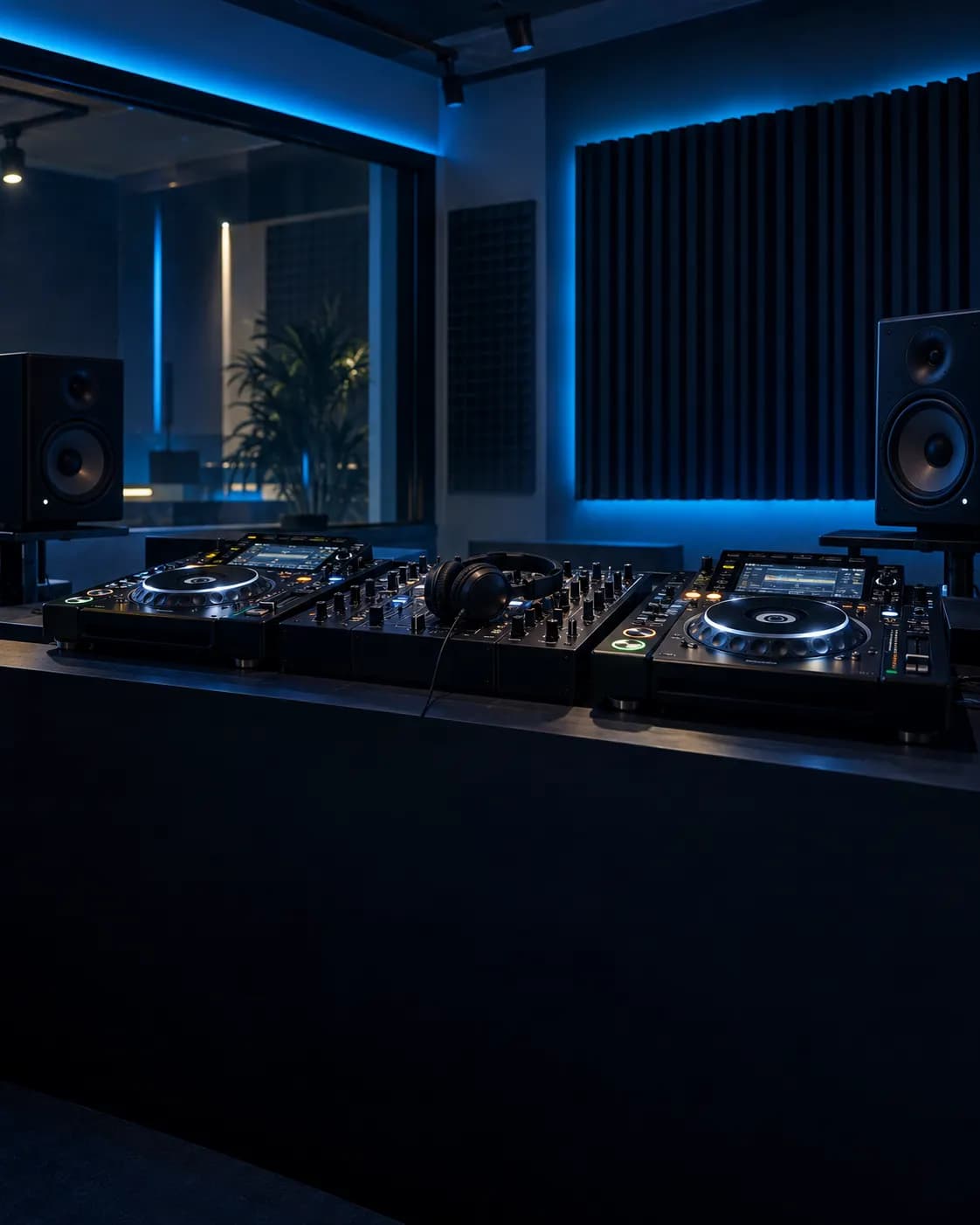
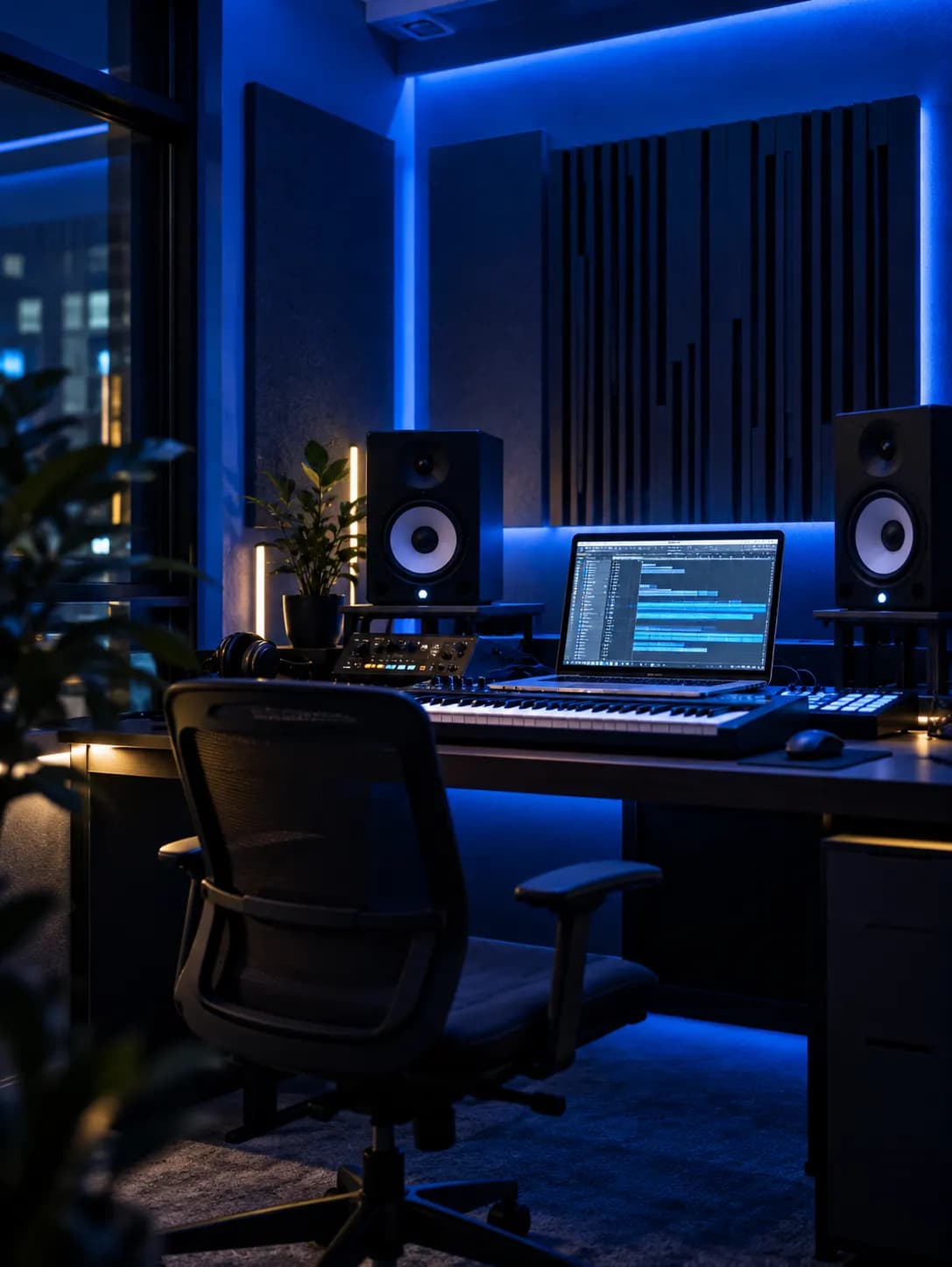
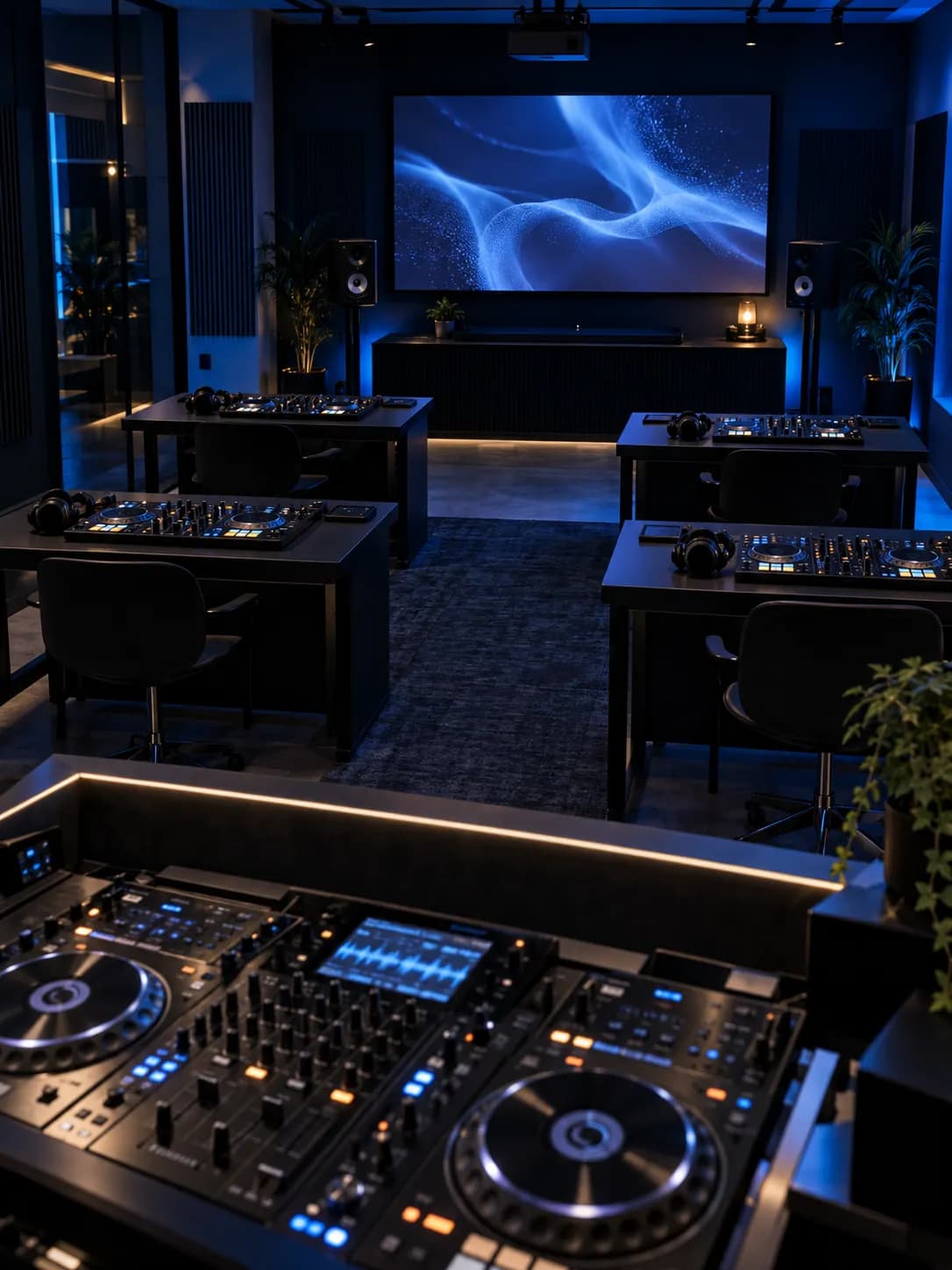
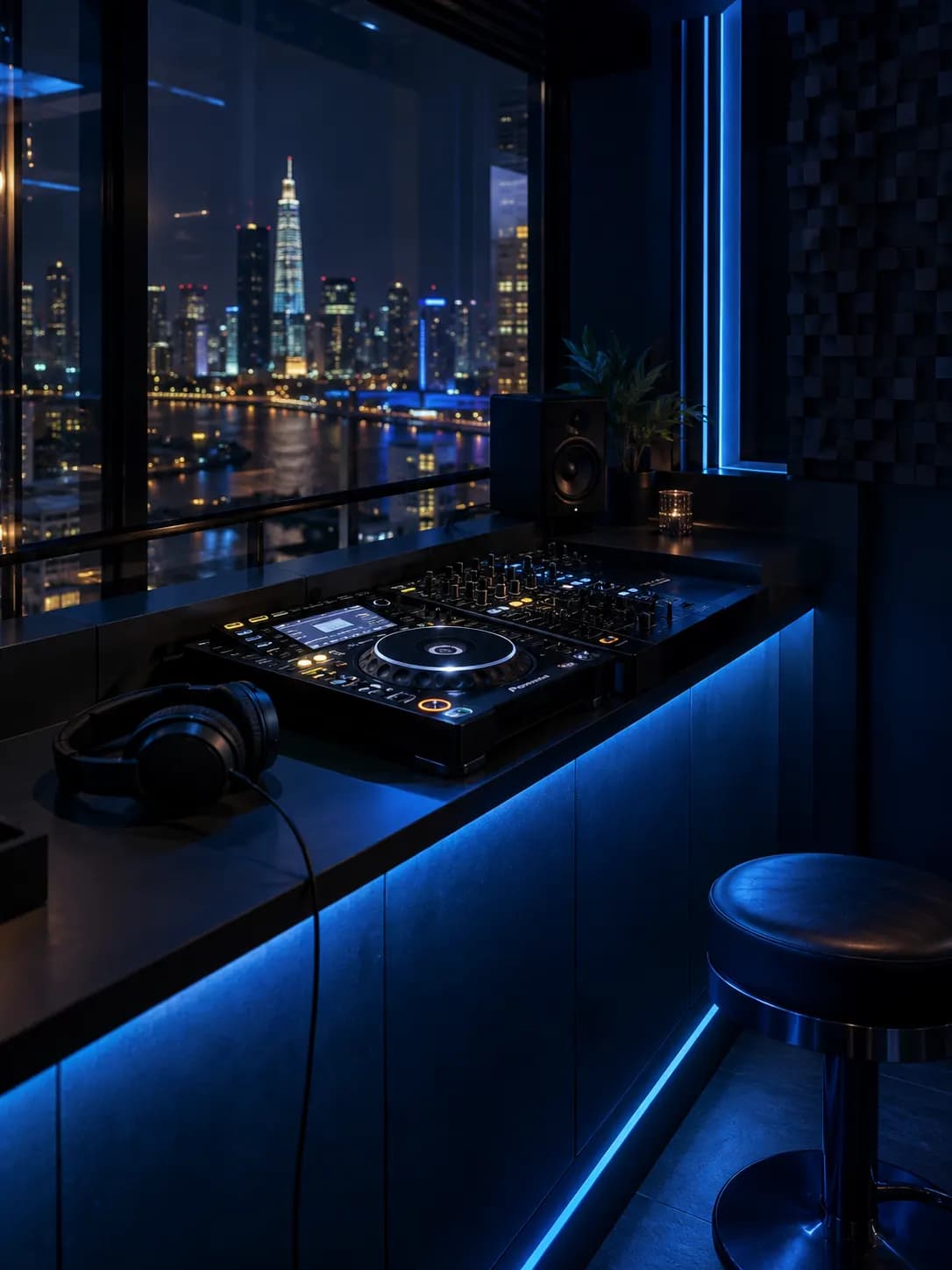
Learn in a real production studio
Every class runs in our studio on Ableton Live with studio monitors, an audio interface, MIDI controllers and microphones.
Hardware
- Studio monitors
- Audio interface
- MIDI keyboard & controllers
- Studio microphones
- Studio headphones
Software
- Ableton Live
- VST instruments & plugins
07Your teacher
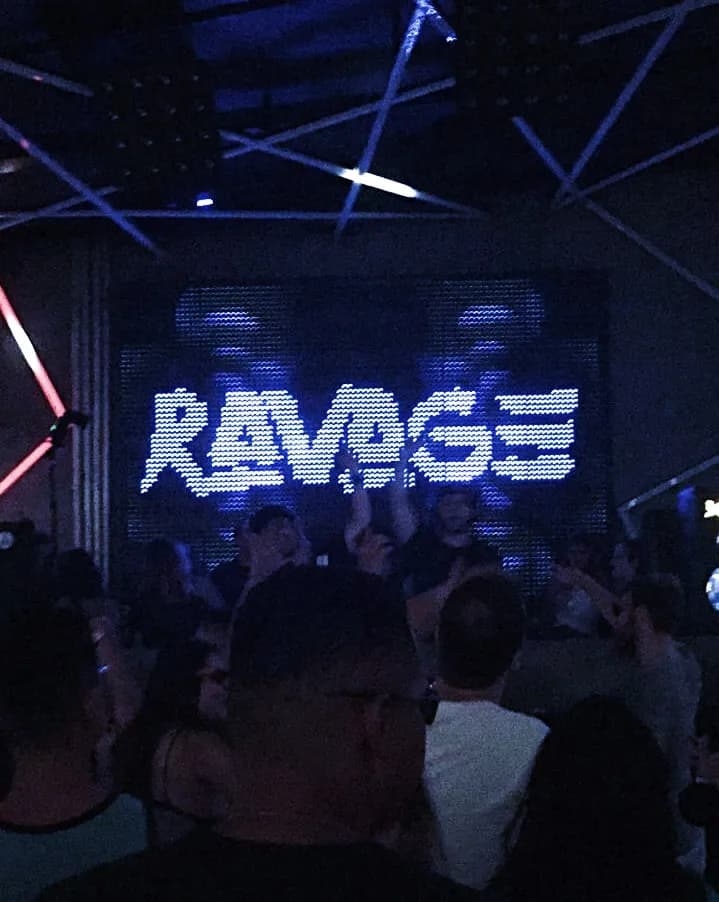
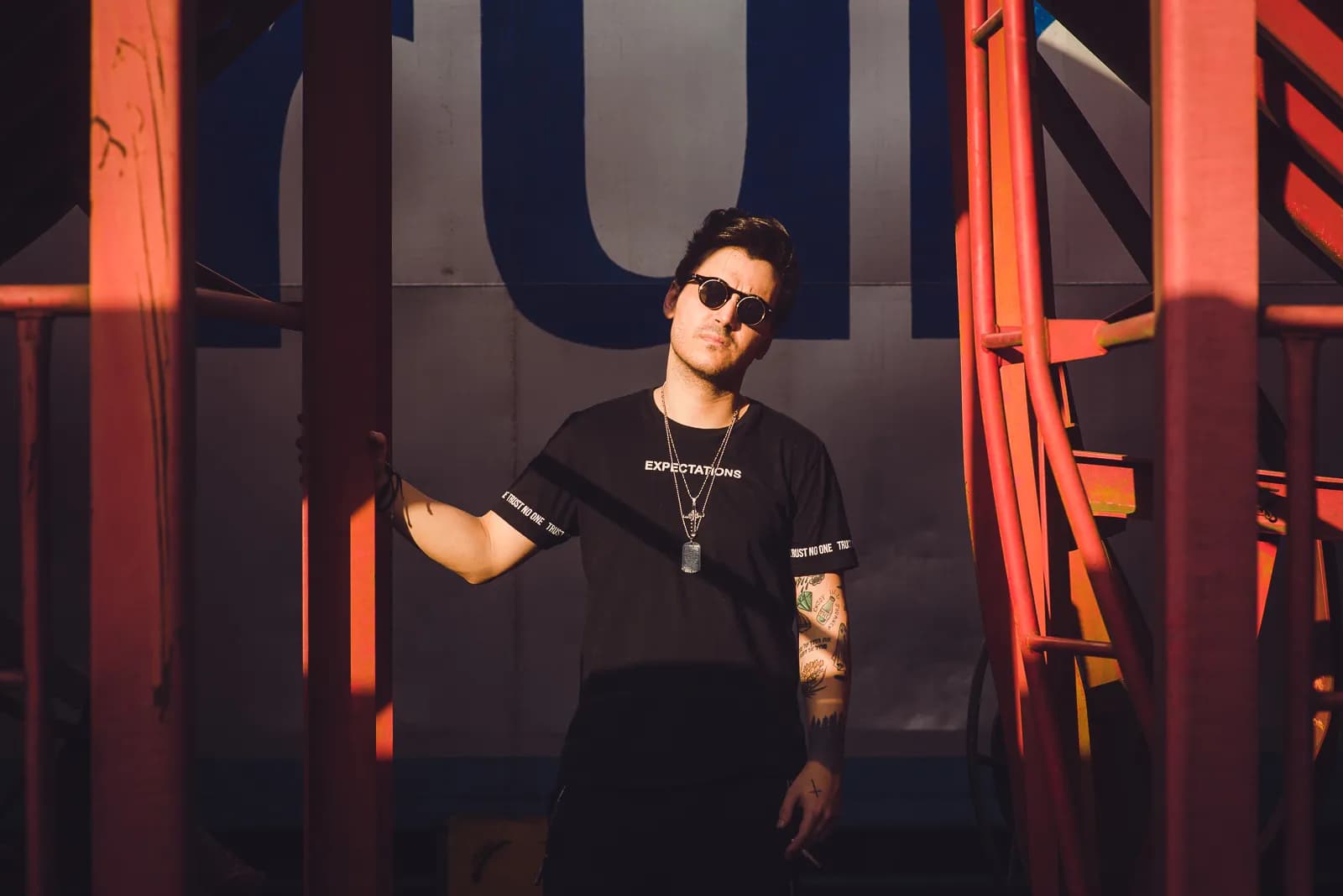
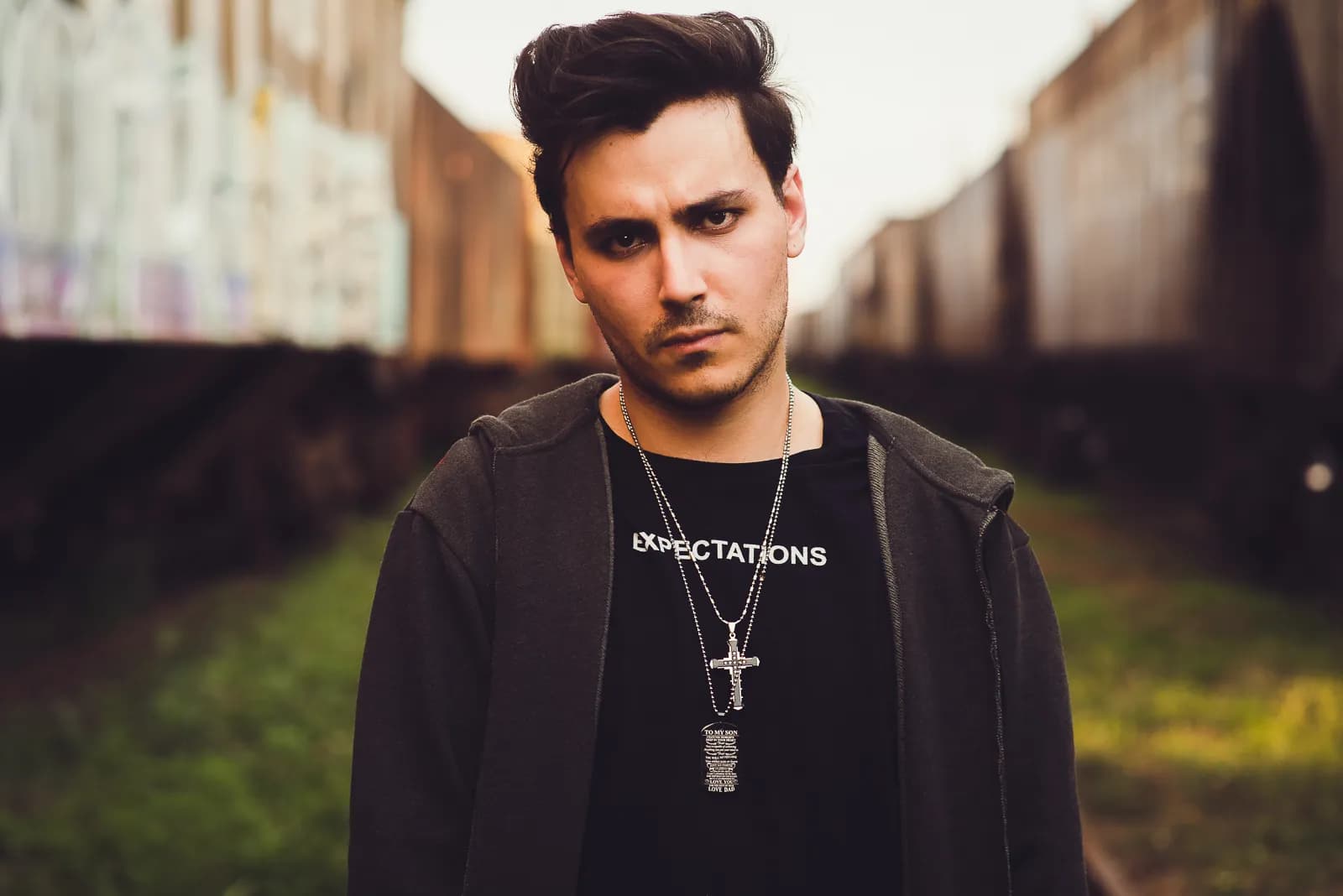
Learn from RAVAGE

08Student feedback
What students say
09Prices & options
Pick your format
| Format | Price | Lessons | Details | Actions |
|---|---|---|---|---|
| 1:1 | Price on request | 5 | — | Book a trialEnquire |
Pay in instalments — ask us.
10FAQ
About this course
No. Classes run in the studio on the school's computers with Ableton Live. To practise at home, a laptop with Ableton Live (the free trial is enough to start) and headphones are all you need.
Yes — book a free trial class and the teacher will show you the studio and tell you which course fits you.
Yes, in two or three parts — ask us.
No production course is required — DJ basics are enough. The teacher shows every step in Ableton Live.
Music Production
Other production courses

Music Production Training Program
From the first beat to a mastered, release-ready track in 9 modules.
Basic Music Production
Your first beat, bassline and chord loop — and how to export them.
Mixing & Mastering
EQ, compression, buses and mastering for club, streaming and more.
From our blog
Guides and articles on this topic
Living the Craft or Just Pleasing Yourself? Advice for Aspiring Music Producers
Making your own tracks is trendy — but are you really living the producer's craft? Muse Inc shares four lessons for anyone serious about becoming a music producer.
Lossless vs. Lossy: What Every DJ and Producer Needs to Know
Every professional DJ and producer needs a thorough understanding of audio file formats. Here are the 2 types you need to know by heart to deliver truly high-quality music!
5 Tips for New Music Producers Just Starting Out
Getting started is always the hardest part for producers, with dozens of questions running through your head. That's why Muse Inc is sharing 5 really useful tips today.
Get started
Ready for your first mix?
Leave your details and a Muse Inc advisor will contact you the way you choose — Zalo, WhatsApp, phone or e-mail — during opening hours to set up a trial lesson.
Book a trial lesson
Pick a day and a free time — a teacher meets you at the school for an hour.
Loading free times…